

Experiment with the amount, sometimes a subtle effect looks much better.
Click the launch video button below to view.
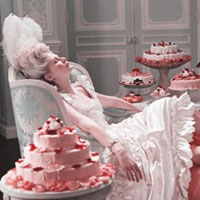
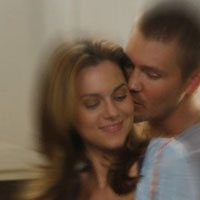
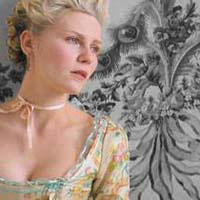
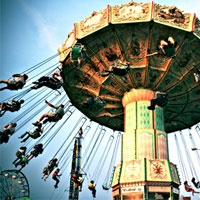
Roll over image to see original.

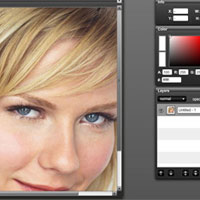
Sometimes you want to go for a more subtle effect on your images, and one of my favorite things to do in this situation is to apply a slight film grain.









8 Responses
i have photoshop elements 5 and i still cant figure out how to color insome part of a color image black and white even though ive looked at your website, please help
@Jenee: Hey there! Thanks for the comment. Unfortunately, I don’t have Photoshop Elements, but I did find a tutorial at another website that may work for you.
http://graphicssoft.about.com/od/pselements/ss/partialcolor.htm
Hope that helps!
[...] in Photoshop Funky Web Layout The Colors Of Love Burn effect photoshop technique 45. PHOTOSHOP GIRL Realistic Film Grain Selected Color Retro Effect Halftone [...]
You ARE awesome! So looking forward to seeing the next ones. And thank YOU =). Take care!
@M: Thanks a lot! I’m happy you’re liking my tuts!
Thanks for the tutorial!
One question: should one sharpen the image (output JPEG) after adding the noise layer?
photoshopgirl.com : : Realistic Film Grain…
Sometimes you want to go for a more subtle effect on your images, and one of my favorite things to do in this situation is to apply a slight film grain….
[...] I love today’s tutorial! The reason being that it’s all about experimentation. It’s called the Bleach Bypass Effect which is extremely popular in movies. It’s been used in the films Saving Private Ryan, Minority Report, and others. Bleach Bypass is actually an effect you can achieve on film when you skip bleaching while processing color film, leaving the silver retained on the negative. In the end, what you get is an image with high contrast, graininess, and reduced saturation. If you would like the grainy feel in your image, visit my Realistic Film Grain tutorial! [...]