PhotoshopGirl: My favorite photos from 2011 http://t.co/cb1ZP220 2012-02-28
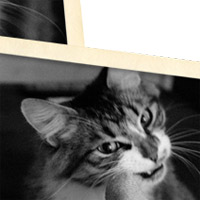
Learn how to make a photo collage for the web or digital scrapbooking.

I’ve had the extreme pleasure of working alongside one of my favorite photo companies, Photojojo!

Experiment with using your existing photos as textures.
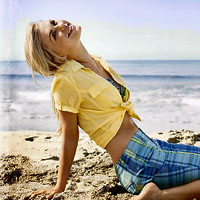
Learn how to use an art border in your photos for 3 different effects.
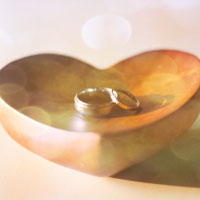
This interactive video tutorial shows how to add a bokeh texture to a photo.

Learn how to simulate a light leak on your photos!
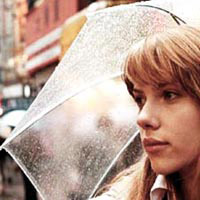
I love today’s tutorial! The reason being that it’s all about experimentation. It’s called the Bleach Bypass Effect which is extremely popular in movies.

So I’m guilty of drooling over the photos in Nylon Magazine every time I pick one up. The photo toning in this magazine is AHHMAZING.

Today’s tutorial is a request from the comments section. Sometimes you need to warm up your photos that are just a little on the dull side, but something subtle and not too overpowering.

I recently learned a new way to vignette and (this may sound dramatic but true) my life has changed. My photos no longer have that THIS PHOTO HAS A VIGNETTE look that’s so obvious.