PhotoshopGirl: My favorite photos from 2011 http://t.co/cb1ZP220 2012-02-28
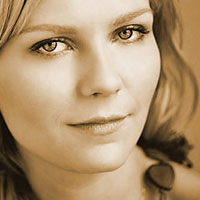
Be prepared to learn something new today, and I am not only talking about the Sepia Effect in Photoshop.

One of my favorite things to do is stay up all night and watch music videos on VH1, although they repeat way too much. But the point is that you can gain a ton of inspiration just by watching them.
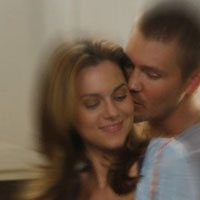
Here’s neat little effect for you today, The Zoom Effect. People have been doing this for years with zoom lenses on their cameras and I thought, well that can be done in Photoshop too.

This tutorial shows you yet another way how to take your photos from blah to amazing in just a couple quick steps.

Today, I am showing you a technique to make a soft focus effect in your photos. It’s a fun little trick and makes your photos look kind of dreamy.

Sometimes you want to go for a more subtle effect on your images, and one of my favorite things to do in this situation is to apply a slight film grain.
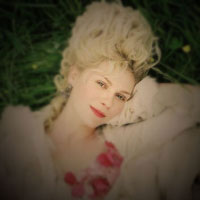
Ever wanted that beautiful Holga effect but didn’t own a Holga camera? Well now you can!
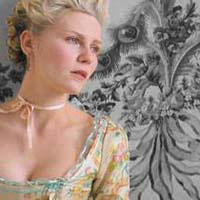
In this tutorial I will show you how to make a certain part of a photo color and the rest black and white.
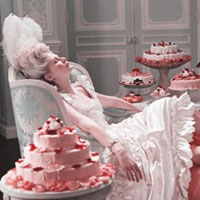
Sometimes it’s cool to make a photo look a little older to give it a slight retro feel.

Third post, ok I’m going to stop counting now. Might as well end on a favorite number, right? Today I have decided to do the Orton Effect, an effect created by Michael Orton.