


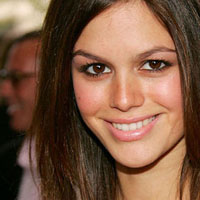
I am also going to be using a photo of Hilarie Burton, who plays Peyton on my FAVORITE TV show - One Tree Hill, in honor of it returning last night. So great! If you aren't watching it, you need to be. Oh, yes. So there's your free promotion, One Tree Hill. You're welcome.
Click the launch video button below to view.
Roll over image to see original.
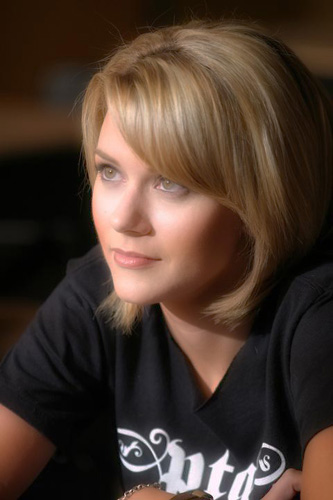

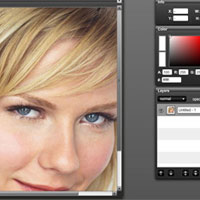
Tip: If the Soft Focus effect is too much for your taste you can change the opacity of the layer.









7 Responses
woow
nice
thankx
nice
awesome. keep on the good work.
its great
Kelly, you are the best………..SB
Simple and fast!! Very nice!
A weird dreamy effect. I like it!