

My mother would’ve been happy to see irrelevant posts of YouTube videos of a man (or whatever it is) crying out for us to “LEAVE BRITNEY ALONE!” or even talking cats, as long as this site had been officially launched. Ahh, but here we are, my first tutorial. *tear*
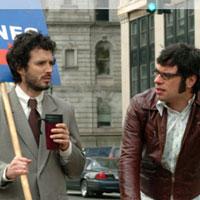
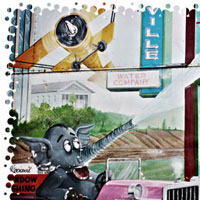
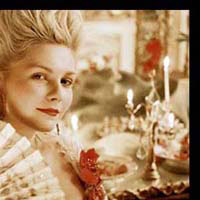
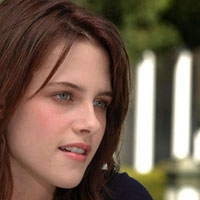
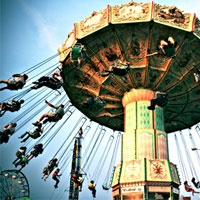
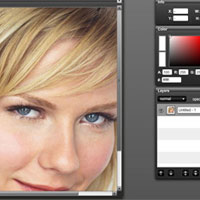
I’m starting out with an easy tutorial; it’s almost laughable, really (not the effect but just how easy it really is). I’ve decided to abandon the classic tutorial format of writing them out and giving you high resolution interactive videos. Yes, I said interactive. Most of the way you’ll be able to point and click just as if you were sitting in front your very own copy of Photoshop. No more worrying if you’ve made a mistake and totally effing up your work. And now I give you Jemaine and Bret from Flight of the Conchords with a beautiful frosted border.
Click the launch video button below to view.
Roll over image to see original.
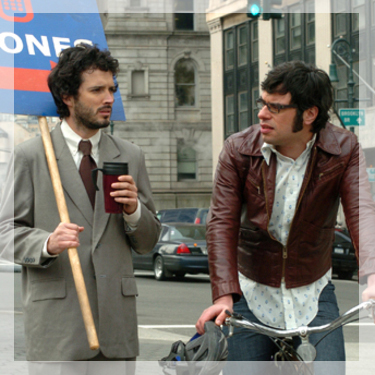

Tip: You can color the border any color you’d like and also leave it opaque if you choose. Don’t be afraid to experiment. You know, like you did in college.
Your resolution needs to be at least 1024x768 to view this video.



13 Responses
Love the format…keep it up!
Thank you so much for mentioning me, I am so proud of you and very happy, its finally up, IT LOOKS GREAT!
Great tutorial. Keep it up. It helped me as I was just thinking about making a frame for an ad I’m running.
Thanks
Phil
Thank you so much for the compliment, good luck with your ad!
Thank you. Awsome, nice webpage btw
Thanks, Dark!
Thankyou very much for your time spent on these wonderful tutorials. The only thing that would be nice is for a little voice overs to help explain things a little.
Regards
Ben
Cool…the viedo format is wonderful!
Thank you very much for sharing your time and knowledge. =)
go ahead.
Piece of cake…cheers
its very helpful and nice effect for picture editing
Hmmm, I’d prefer using a brush with low opacity.